How to join

Java and Bedrock players share the same world. Pick your edition.

Address
play.elymc.it
Versions1.20 - 1.21.x
Port25565

Open Minecraft

In the launcher, pick any version from 1.20 to 1.21.x. The latest is recommended.

Go to Multiplayer

From the main menu, then Add Server.

Paste the address

Any name you like, address play.elymc.it. Then Done.

Join

Double-click ElyMC in the list.

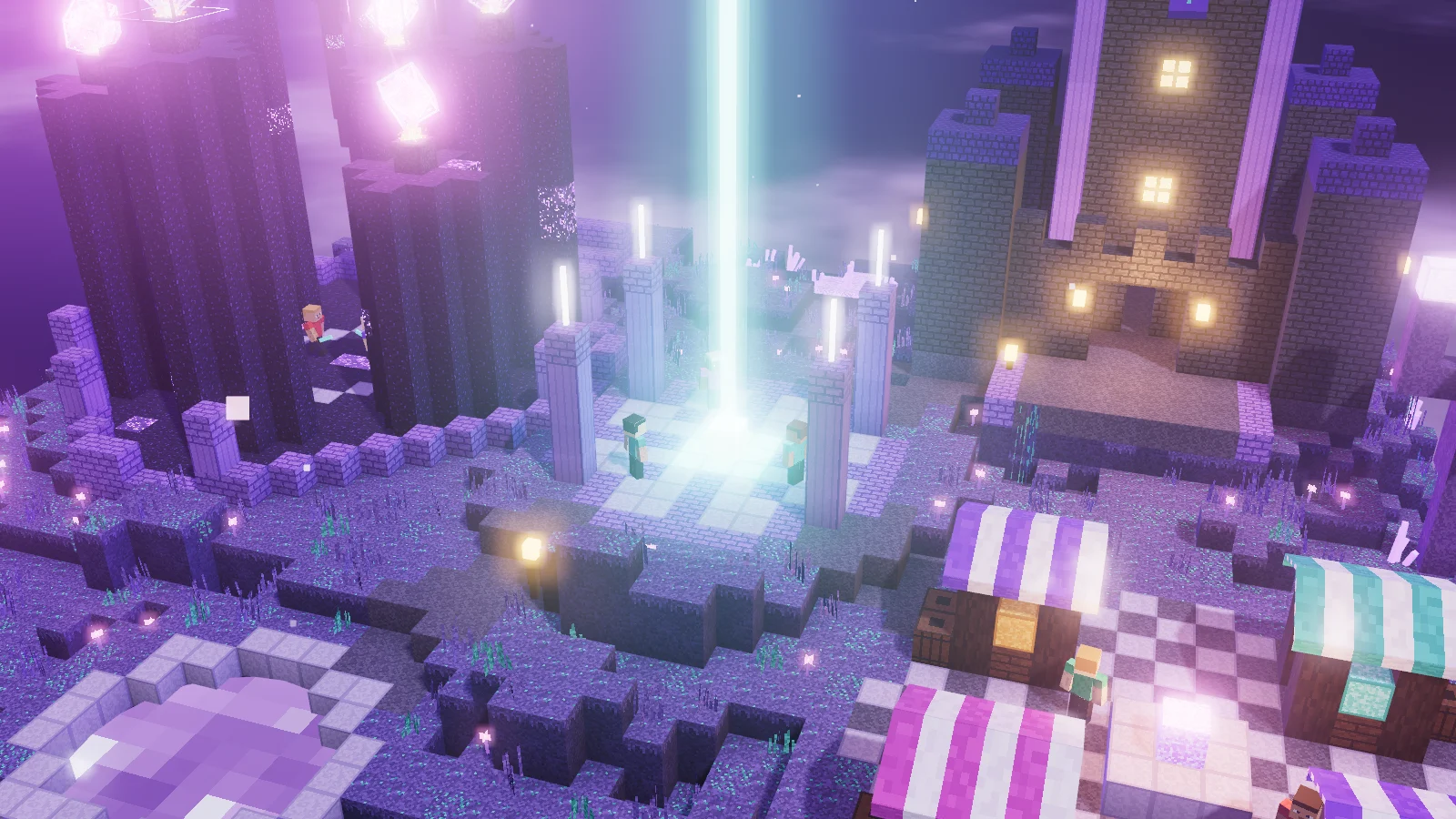
Render of spawn on the ElyMC island
01Once you're in

Your first minutes on the island

You land at spawn, the safe zone: nobody can hit you here. Take a moment to decide where to go, because as soon as you step out PvP is always on.

  • Read the rules: few, clear and the same for everyone
  • Try a duel with /duel, the server gives you the kit
  • Check prices at the auction house with /ah
  • Find a team or start one with your friends
Read the rules

Common problems

"Incompatible client version"

On Java, change the version in the launcher: anything from 1.20 to 1.21.x works. On Bedrock, update the game from the store.

The server doesn't respond on Bedrock

Check the port: it must be 19132, not the Java one. If you're on a school or work network, try using mobile data.

My name has a dot in front of it

That's normal: Bedrock players get the . prefix so they don't get mixed up with a Java account of the same name.

Do Java and Bedrock play together?

Yes, same world, same economy and same teams.